
Guide
Neon Divide lane guide: early choices, combo and shield loss
Choose lanes before barriers arrive, understand press-versus-drag input and track shield loss. Current score-chase rules and concrete recovery steps.
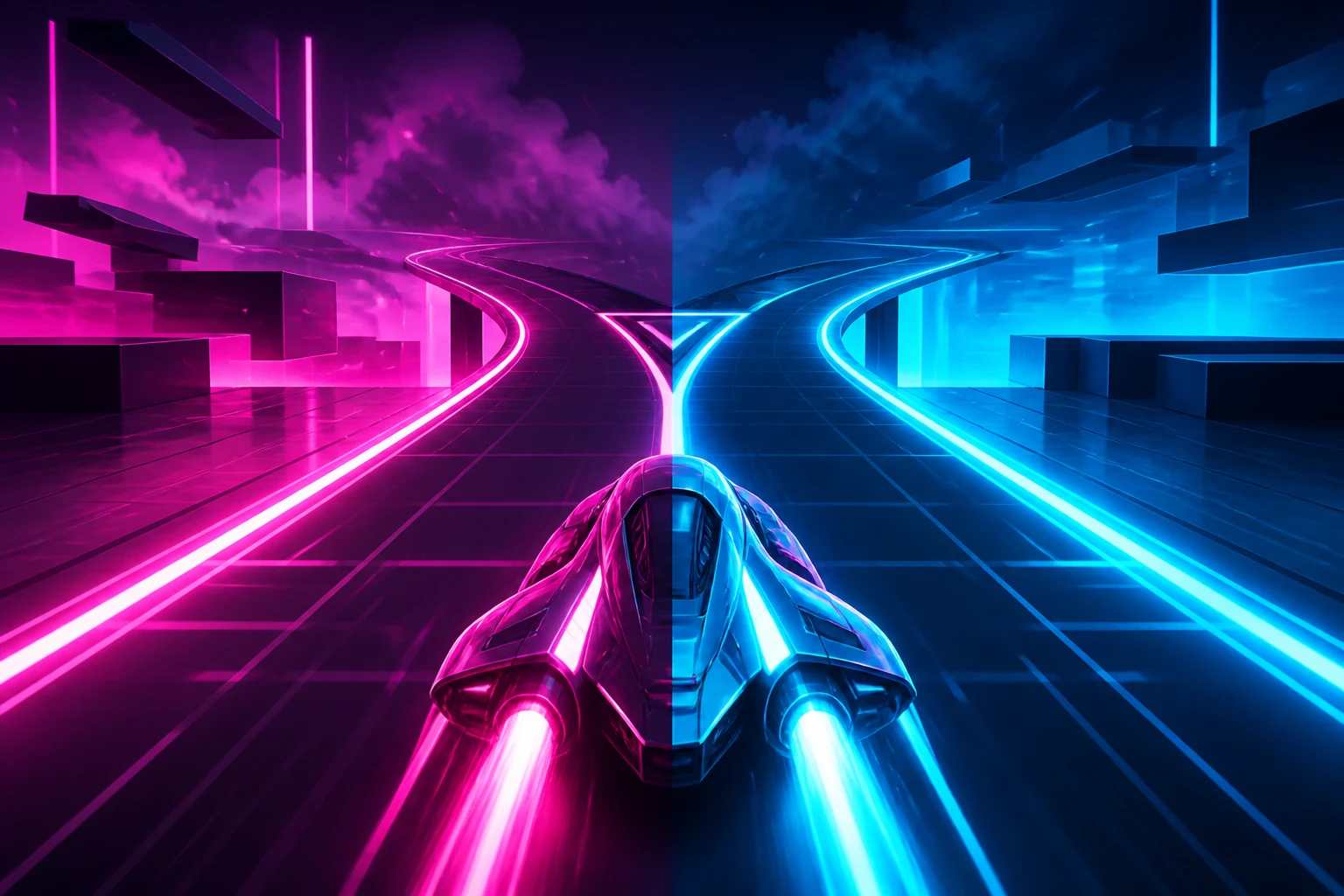
Read the row before choosing a lane
Neon Divide is a three-lane score chase. Choose a lane that avoids the approaching barriers, collect green energy when the path allows it, and keep your three shields. Losing all three ends the run.
There is no fixed distance, countdown deadline or victory endpoint. A long run and a high score are results to compare, not evidence that you reached a final level.
This guide applies to the current native Neon Divide 2.0.0 runtime. Open Neon Divide to practise reading one incoming row and changing lanes before it reaches the craft.
Use the input that actually changes lanes
| Input | Current behaviour | What to avoid |
|---|---|---|
| Left/Right or lowercase a/d | Change the selected lane one step per key event | Holding a key can repeat events and move through the middle lane |
| Canvas click or touch press | Choose the lane from the horizontal position of the initial press | Clicking a distant lane is not an instant teleport; the craft still moves toward it |
| Moving or dragging after that press | Does not continuously choose a new lane in this runtime | Do not depend on a swipe to follow the finger's final position |
| Up/Down or Space | Does not change the lane | Repeating an unrelated key does not add a fourth path or a jump |
Use a separate click or tap for the next lane selection. The current pointer handler reads the press position; it does not steer continuously while the pointer moves. Keyboard alternatives match lowercase a/d, so the arrow keys avoid a letter-case dependency.
Why a late input can still cost a shield
A lane input changes the selected lane immediately, but the craft moves toward that lane over subsequent frames. Collision checks use the craft's current horizontal position, not merely the lane you requested.
That is why pressing away at the last visible moment can still produce SHIELD BREAK. Start changing lanes while you can read the incoming row, rather than waiting for a barrier to overlap the craft.
The game displays short warning marks before a row begins dropping. A green mark forecasts energy; a coral mark forecasts a barrier. Once the objects move, green energy and cyan/violet barriers have different effects. Read the whole row, not only the nearest green pickup.
A first attempt with three checks
- Use Play and wait for the startup countdown. The craft starts in the middle lane with three shields.
- Try one Left or Right input and observe the move toward the adjacent lane. Release before adding a second input.
- Look at the next warning row. Choose a route that avoids its barriers, even if you leave a green pickup behind.
- After the row passes, read the next row again. A lane that was clear for the previous row is not guaranteed to stay clear.
- Use Pause, P or Escape when you need to stop and read. Resume continues the current score chase; a fresh run resets the attempt.
For pointer practice, press once in a lane and let the craft move toward it. To choose another lane, make another press. Dragging across the canvas after the first press is not the same operation.
Speed grows continuously; LV is a separate label
The current speed increases with elapsed game time and eventually reaches a cap. Rows also arrive more frequently as the run progresses. After the opening period, a row can contain barriers in two lanes rather than one.
The LV label advances every sixteen seconds, but speed is not held constant until that label changes. The label describes progress through the run while speed continues to grow between those changes.
As the pattern becomes busier, protect a clear exit from the next row instead of assuming that a repeated left-right rhythm is safe. Random lane choices mean that memorizing one opening is not a universal solution.
Score, combo and shield feedback
| Event | Current effect | What the number does not mean |
|---|---|---|
| Collect energy | Increase combo; gain 100 plus 12 times the new combo | It does not restore a shield |
| Pass close to a barrier without contact | A qualifying near miss increases combo and awards a bonus | It does not make the next barrier harmless |
| Pass a barrier farther away | Award a small survival bonus | You do not have to chase a near miss to keep playing |
| Hit a barrier | Lose one shield, reset combo and flash coral briefly | The flash is feedback, not a protective shield window |
| Keep the run active | Running score continues to accumulate | Score accumulation is not a win condition |
For the energy formula, a new combo of one gives 112 points and a new combo of two gives 124. Near misses can also change combo, so the next pickup's value depends on what happened before it. These are examples of the current formula, not a best-score route.
The coral flash after SHIELD BREAK does not create invulnerability in this runtime. Another barrier can cost another shield. Read the following row promptly instead of waiting for the flash to end before deciding where to go.
Recover from the specific failure
| What happens | Check this first | Next action |
|---|---|---|
| A swipe ends in the left lane, but the craft stays right | The first press chose right; the drag did not update the selection | Make a separate press in the intended lane |
| A lane change still results in SHIELD BREAK | The craft had not reached the requested position when the row was evaluated | Choose earlier from the warning row |
| A held key goes farther than expected | Keyboard repeat produced more than one lane event | Use separate short presses and check the craft's position |
| A green pickup led into the next barrier | The following row has its own lane layout | Read that row and accept missing energy if needed |
| Two shields disappear close together | The flash after a hit is not invulnerability | Move toward the next clear path rather than relying on the flash |
| LV changes or score grows, but there is no completion screen | This game is a continuous score chase | Choose your own stopping point, or continue until shield loss ends it |
Practise a decision you can compare
Compare an early lane choice from the warning marks with a late choice near the craft. Watch whether the craft reaches the intended path before the row passes. A higher score alone cannot tell you whether that timing improved.
Then compare a keyboard step with a separate pointer press. Keep the input scheme consistent during each comparison; dragging after a press tests a gesture that does not update lanes here.
Count shield losses and name the row or input that caused each one. “The game felt faster” is less useful than “I selected the next lane only after that row reached the craft.” That gives you a specific change to try.
Version checks and the next step
Checked on 13 October 2026 against the effective native Neon Divide definition and normal player input. A press in the right lane followed by a held drag to the left was checked against the current pointer handling. This review describes the existing continuous score chase; it does not claim a victory endpoint, measured input latency, average session length or certification of every device.
Play Neon Divide to practise one early lane selection. If you want a finite objective instead, use the reflex comparison to inspect Pixel Pilgrim's distance target or Feral Circuit's timed survival task. Use the keyboard comparison to distinguish these lane steps from held movement and inertial steering.